A practical operating layer, not a generic CRM
RangerOS is built around field records, station logistics, reporting evidence and the daily coordination work that remote land management teams actually run.

Land management software
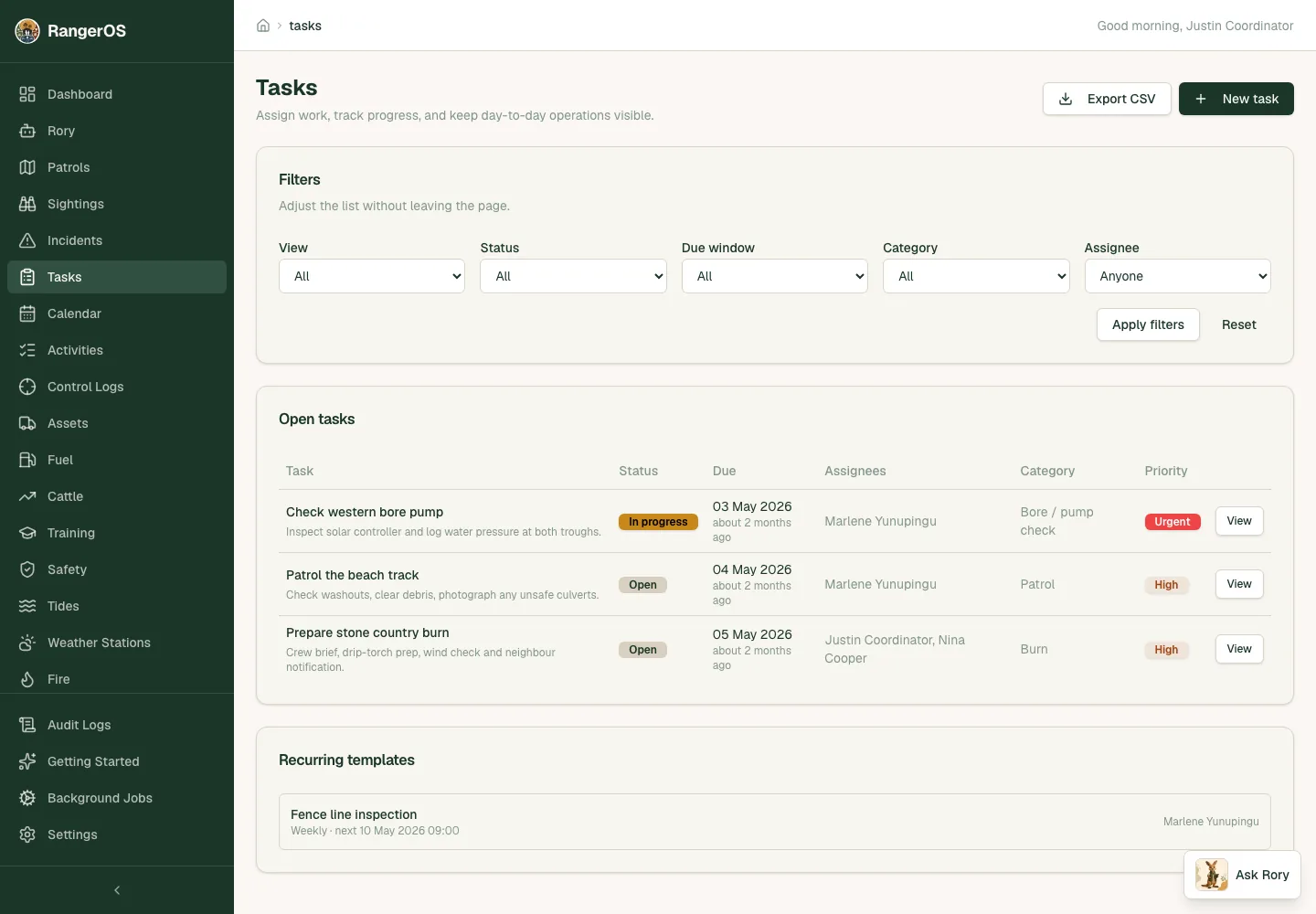
RangerOS brings field operations, logistics, safety checks, reporting evidence and offline data collection into one system for remote land management teams.
Search intent
RangerOS is built around field records, station logistics, reporting evidence and the daily coordination work that remote land management teams actually run.
The mobile app saves records collected without signal on the device and uploads them automatically into the web workspace when the device is back in coverage, with deduplication and clear coordinator review as the workflow continues to improve.
The same patrols, tasks, safety checks and operational records can feed structured reporting briefs instead of becoming a separate end-of-quarter rebuild.
Bring properties and sites into RangerOS from a CSV or Excel spreadsheet, a GeoJSON file or a KML file. Map your columns, preview every row, and existing places are matched by code, reference or name so they aren't duplicated. Valid rows save together, and blank cells don't overwrite what's already recorded.
Each place can keep the area from your property list separately from the area calculated from its mapped boundary. RangerOS shows the difference in hectares and as a percentage, and flags differences above 5% for review, so a register figure and a drawn boundary don't quietly overwrite each other.
The Places page opens with a map of all your property and site boundaries above the list. Search and the inactive filter narrow the map and the list together. Select a boundary or pin to see its name with mapped and listed hectares, then use Show all places to zoom back out. Road and satellite views and fullscreen are there when you need them, and places without a boundary or pin stay in the list with an unmapped count.
RangerOS is designed for Indigenous Australian ranger programs and remote-country operations, with government reporting, station logistics and offline mobile capture built in.
Yes. RangerOS connects daily field records with handover, safety review and reporting evidence in the same workspace.
Yes. Coordinators can import places from CSV, XLSX, GeoJSON or KML, starting from a downloadable CSV template. Each place can carry a single polygon boundary or a point, along with codes, parent sites, tenure and access notes. Multi-part shapes and shapes with holes are flagged as row errors rather than partly imported. A parcel reference is stored as a reference only. It doesn't fetch an official cadastral boundary.